AI Advertising Tools for Paid Media Teams: What to Compare
AI advertising tools promise faster creative production, automated bidding, cleaner reporting, and fewer manual checks. This guide explains what the main categories of AI ad tools do, how to compare them on evidence, and how to pilot one without risking the account.
Compare AI advertising toolsThe useful question is not "which AI ads tool is best" but "which part of our workflow loses the most time or money, and which tool fixes exactly that part with controls we can audit."
Editorial noteIn This Guide
Four Categories of AI Advertising Tools
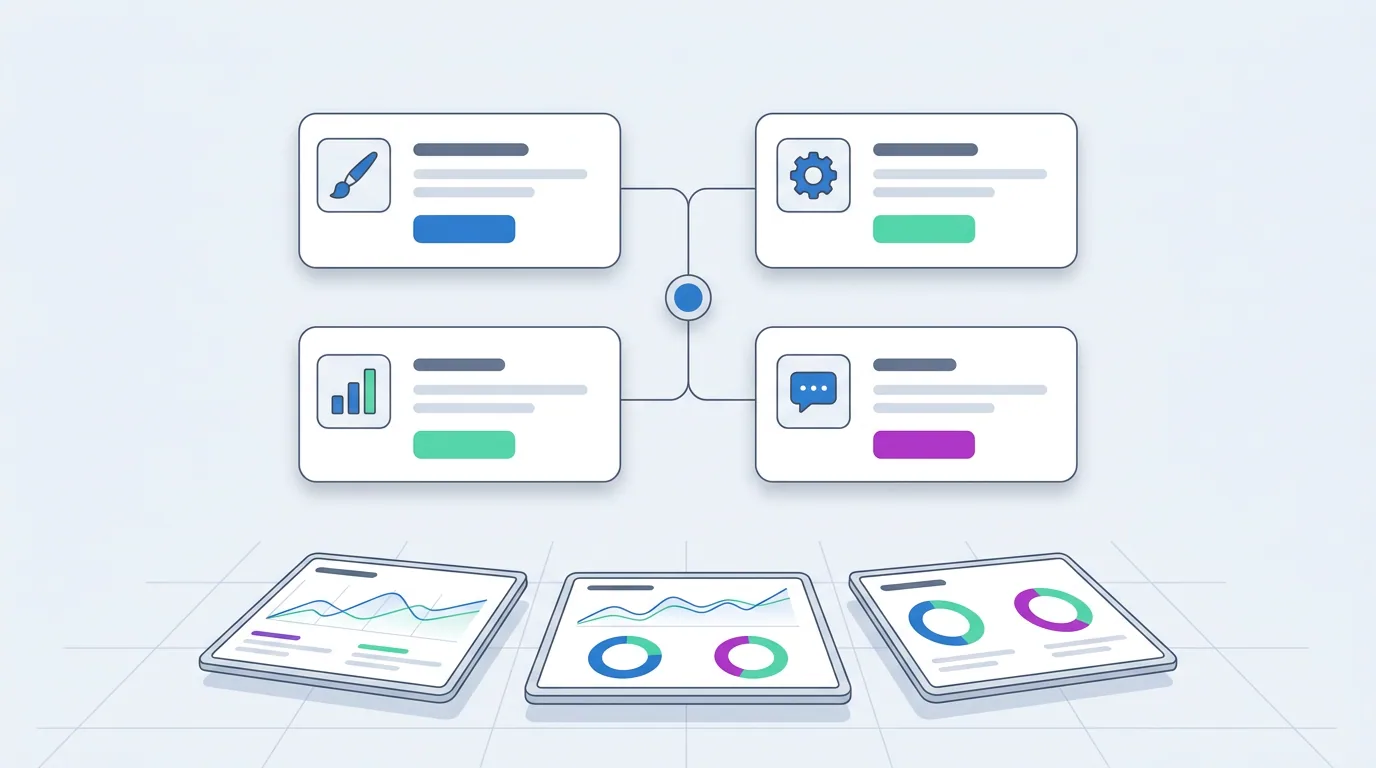
Most AI ad tools fall into one of four groups. Vendors often blur the lines, so map each product to the job it does before comparing prices or feature lists.
Campaign Automation and AI Ad Managers
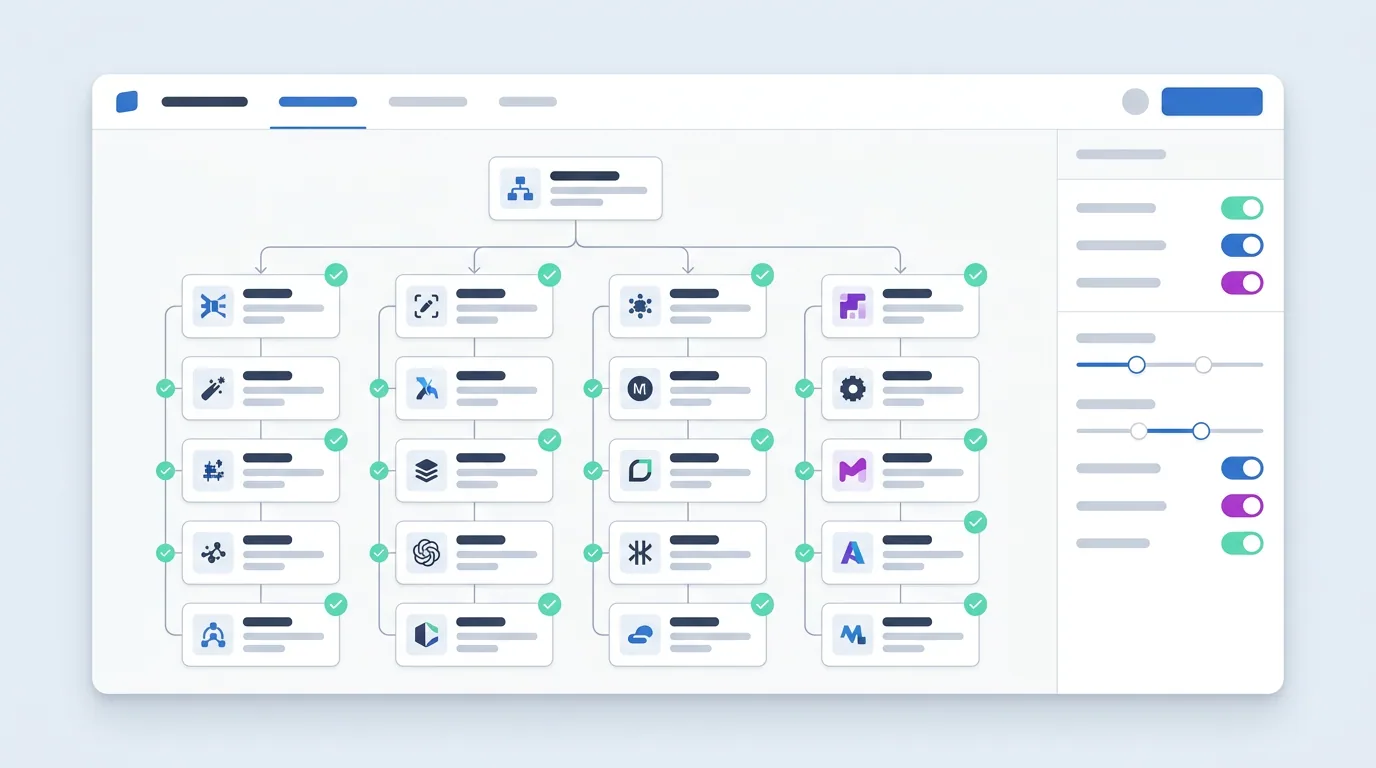
Tools in this category build campaign structures, adjust budgets, layer rules on Google's automated bid strategies, pause losing ad sets, and scale winners. Products differ in how much they explain and whether a human can approve each action before it runs.
Creative Generation
AI tools for ads that produce images, video variants, UGC-style clips, and copy from a brief. Judge them by how well the output fits placement specs and how many variants survive a real test.
Analytics and Attribution
AI ads tools that connect spend to revenue, cohorts, and lifetime value instead of stopping at platform-reported conversions. Useful when several channels claim the same purchase.
Assistant and MCP Layers
Conversational access to ad accounts through an AI assistant or a Model Context Protocol server built on the Meta Marketing API. Good for questions and drafts; risky when the assistant can also change budgets without review.
All-in-One Platforms
Suites that combine creative, launch, optimization, and reporting. They reduce hand-offs between tools but make it harder to swap a single weak component later.
AI Ad Tools Evaluation in Four Stages
Comparing these tools works better as a staged process than as a feature checklist. Each stage narrows the list and produces evidence the next stage can use.
Map the Workflow
Write down where hours and budget actually go: briefing, creative production, launch, daily checks, reporting. The biggest bottleneck defines which category of AI ad tools matters first.
Shortlist on Controls
Keep only tools that log every action, support approval before changes, and let you set budget and CPA limits. Automation you cannot audit is not a shortcut, it is a liability.
Run a Controlled Pilot
One account, one objective, a fixed budget, and a holdout that keeps running the old way. Compare cost per result and time saved over at least two full optimization cycles.
Scale With Guardrails
Extend the winning tool to more accounts while keeping the same limits, review cadence, and stop conditions. Widen autonomy only after the logs show consistent decisions.
How to Compare AI Ads Tools on Evidence
Demo videos look alike. Three questions separate tools that change outcomes from those that only change the interface.
Scope of Automation
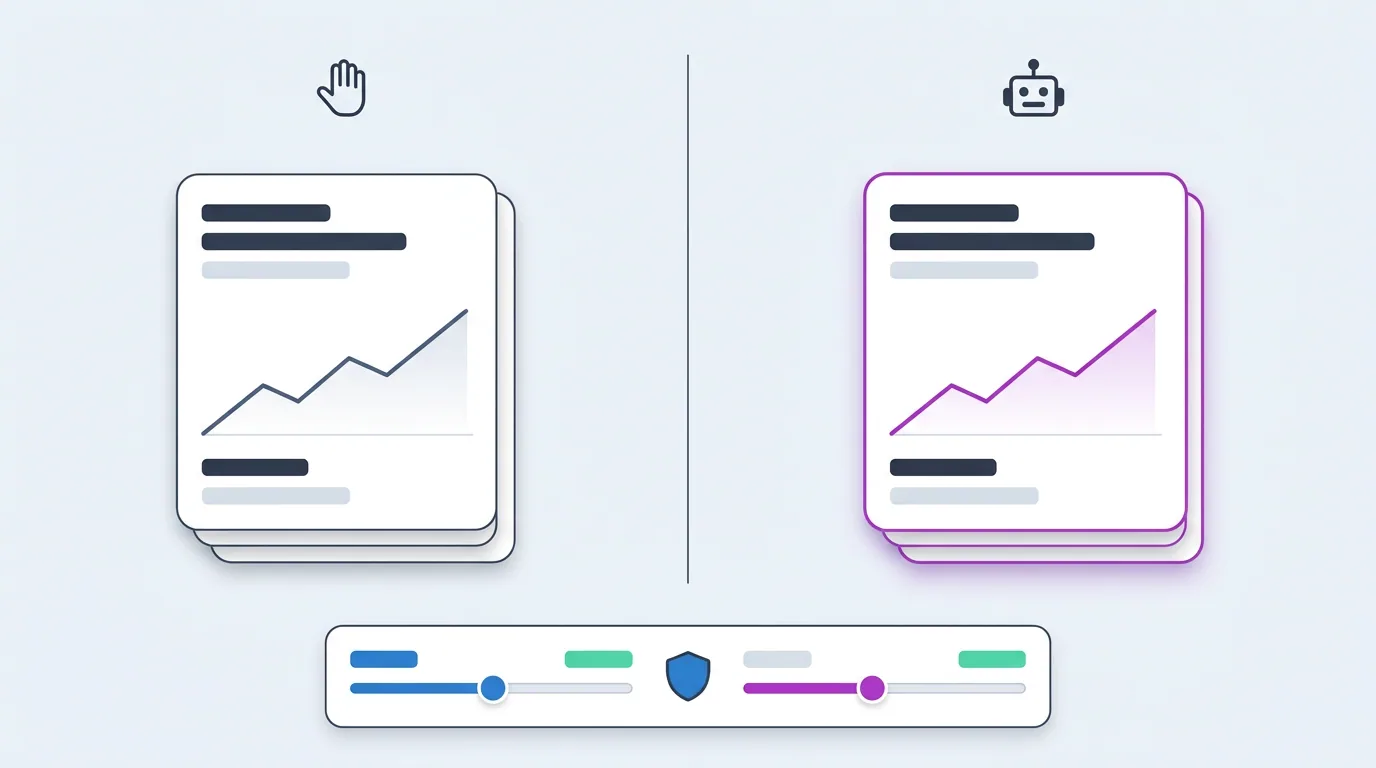
Does the tool recommend, act with approval, or act on its own? The right answer depends on the account, but the tool must support the mode your team is ready for today.
Guardrails and Approvals
Budget caps, CPA ceilings, frequency limits, and a clear stop condition. Check that the limits live in the tool, not in a promise from the sales call.
Evidence and Reporting
Every automated change should link to the data that triggered it and to the result it produced. Without that trail you cannot tell skill from luck.
Field Notes From AI Ad Tools Evaluations
A subscription app shortlisted three AI ad managers and kept the one whose recommendations came with the exact metric and threshold that triggered them. The other two were faster but impossible to review. Illustrative note.
An ecommerce team used an AI creative tool to produce forty variants per product and found that only formats matched to each placement made it past the first test week. Volume alone did not help. Illustrative note.
An agency ran the same budget through a manual holdout and an automated pilot for six weeks. Cost per result improved by a modest margin; the real gain was the hours the buyers got back. Illustrative note.
A lead-generation advertiser switched attribution tools after the AI analytics layer showed that two channels were reporting the same form fills. Budget moved, reported ROAS dropped, real revenue went up. Illustrative note.
A small team connected their ad account to an AI assistant for questions only, with no write access. It answered most reporting requests in seconds and never touched a campaign. Illustrative note.
How to Run an AI Advertising Tools Pilot
Four steps that keep the test honest. The goal is a decision you can defend, not a screenshot of a good week.
Step 1: Define the Job and the Metric
Pick one job, for example daily budget reallocation across ad sets, and one primary metric such as cost per qualified lead. Agree on the success threshold before the pilot starts.
Step 2: Set Limits Inside the Tool
Configure the daily budget cap, the maximum CPA, the largest single change the tool may make, and who approves anything above those limits. Test that the limits actually block an action.
Step 3: Keep a Holdout
Leave a comparable campaign or account under the old process. Seasonality and platform changes affect both, so the holdout is the only fair baseline for the AI ad tool.
Step 4: Review the Log, Not the Dashboard
Read the list of actions the tool took and why. Count decisions you would have made yourself, decisions you would have blocked, and decisions you could not understand. That ratio is the real score.
Questions
AI Advertising Tools FAQ
Short answers to the questions teams ask most when comparing AI ad tools.
Software that uses machine learning or AI agents to create ads, manage campaigns, optimize bids and budgets, or analyze results across platforms such as Meta, Google, and TikTok.
Start with the category that matches your biggest bottleneck. Teams short on creatives benefit from generation tools first; teams that spend hours on daily checks benefit from an AI ad manager with approval mode.
At least two full optimization cycles, usually four to six weeks, with a holdout running the old process. Shorter tests mostly measure noise and learning-phase effects.
They replace repetitive monitoring and many routine adjustments. Strategy, offer design, budget ownership, and judgment about brand and compliance still need a person who can review the log.
A budget cap, a CPA or ROAS limit, a maximum size for any single change, approval before actions above a threshold, and a full log of what was changed and why.
AdBid is an AI advertising platform where AI agents run paid media with configurable autonomy, from recommendations to approved actions. Its comparison pages line it up against other AI ad tools by category.